Open source · Local-first · macOS

A vault for what you can't lose.

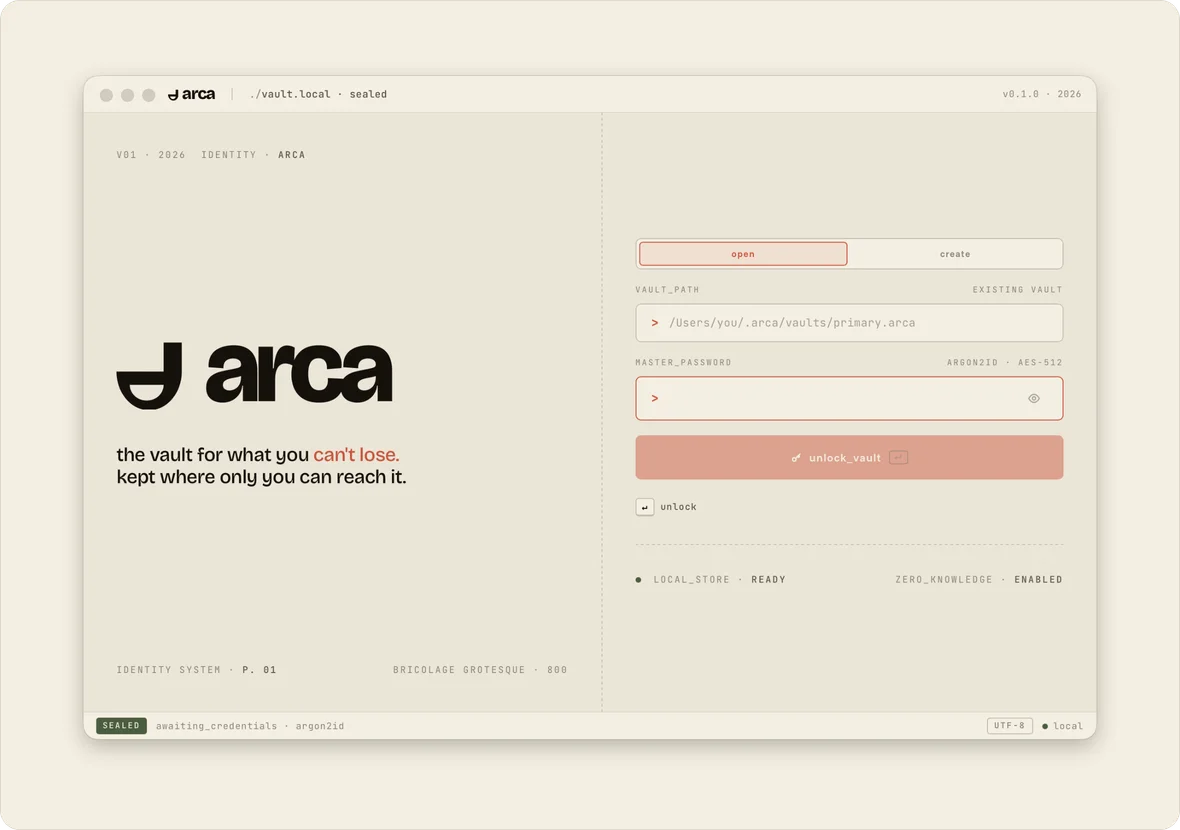
Arca keeps your passwords in a single encrypted file on your own machine. No accounts, no cloud, no telemetry - just a fast, keyboard-driven vault that's yours to keep.
Signed & notarized by Apple MIT licensed KeePass KDBX 4 vaults
Arca password generator in the macOS app
Coming soon Arca for iPhone is on its way to the App Store. Get notified
How Arca works

No accounts. No sync. No telemetry.

One file

Your vault is a file you own.

Keep it anywhere, back it up however you like. It uses the open KeePass KDBX 4 format, so you’re never locked in to Arca.

One password

Only you hold the key.

Your master password never leaves your device. Without it, the vault file is just noise - to us, to anyone.

Zero servers

Nothing to breach.

Arca doesn’t run a cloud, so there’s no central database of vaults to steal. Your secrets stay where you put them.

A quick tour

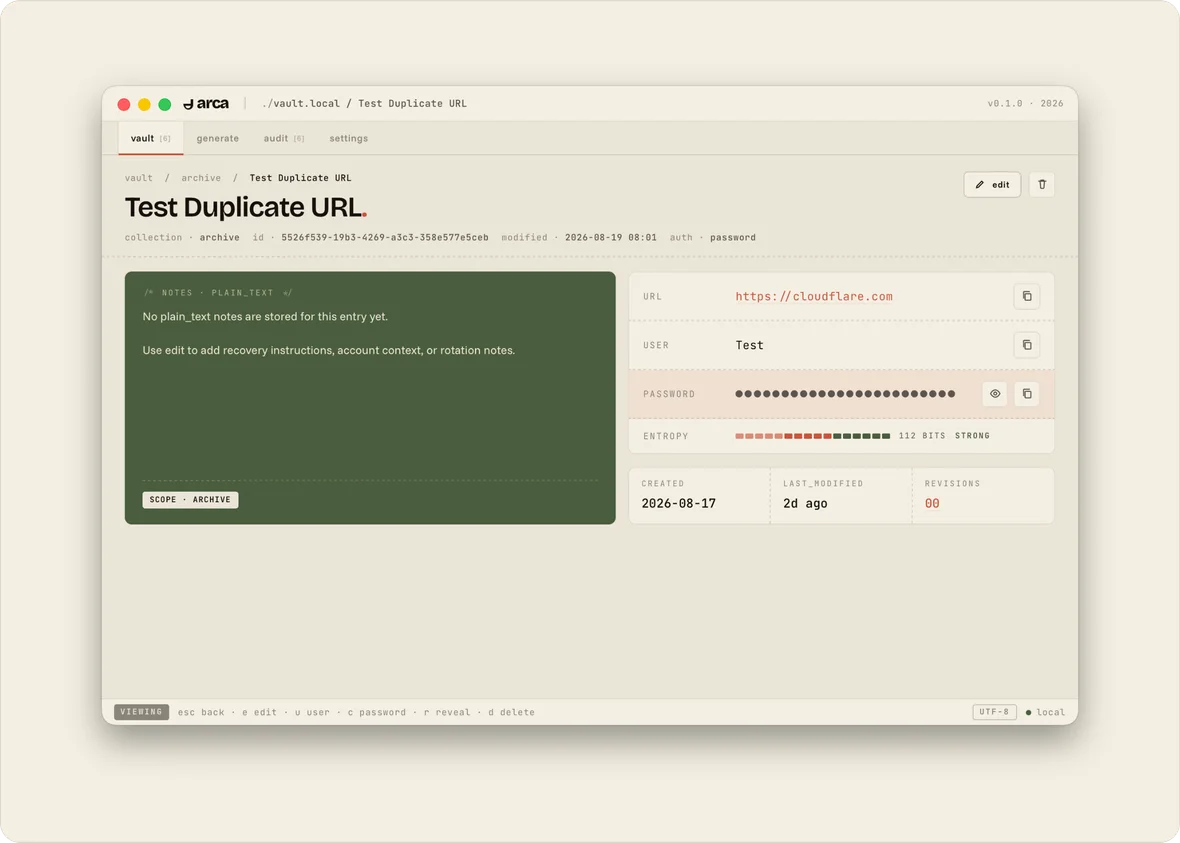
A vault, a generator, an auditor. One app.

Designed like a terminal and made for the keyboard: every screen has a shortcut, and the mouse is optional.

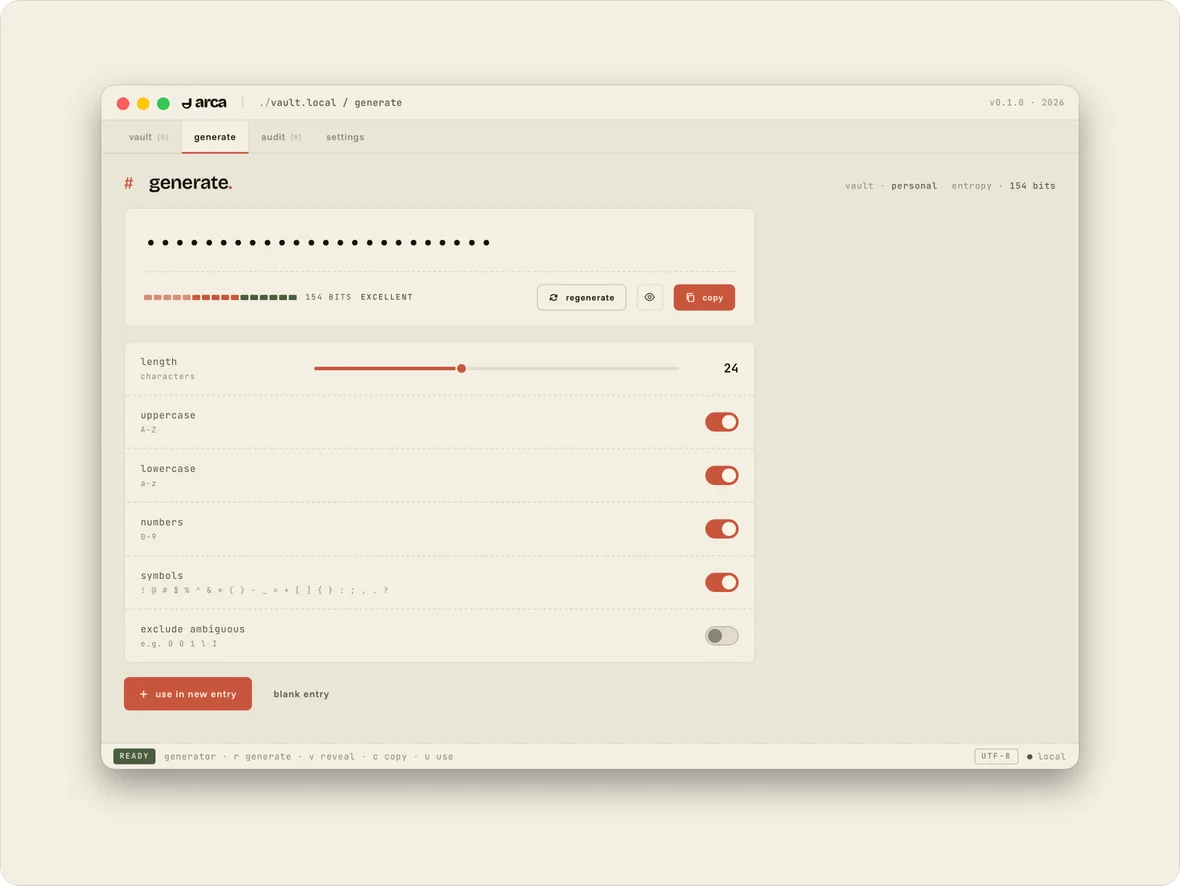
Arca generate screen
Features

Small on purpose.

Arca does the few things a password manager has to do, and does them carefully. No browser trackers, no upsells, no bloat.

Encrypted local vault

One file you can carry anywhere, opened with your master password.

Password generator

Choose length and character sets, and see exactly how strong the result is.

Careful reveal & copy

Passwords stay hidden until you ask. Copied ones clear from the clipboard on a timer.

Auto-lock

Walk away and Arca locks itself, wiping decrypted data from memory.

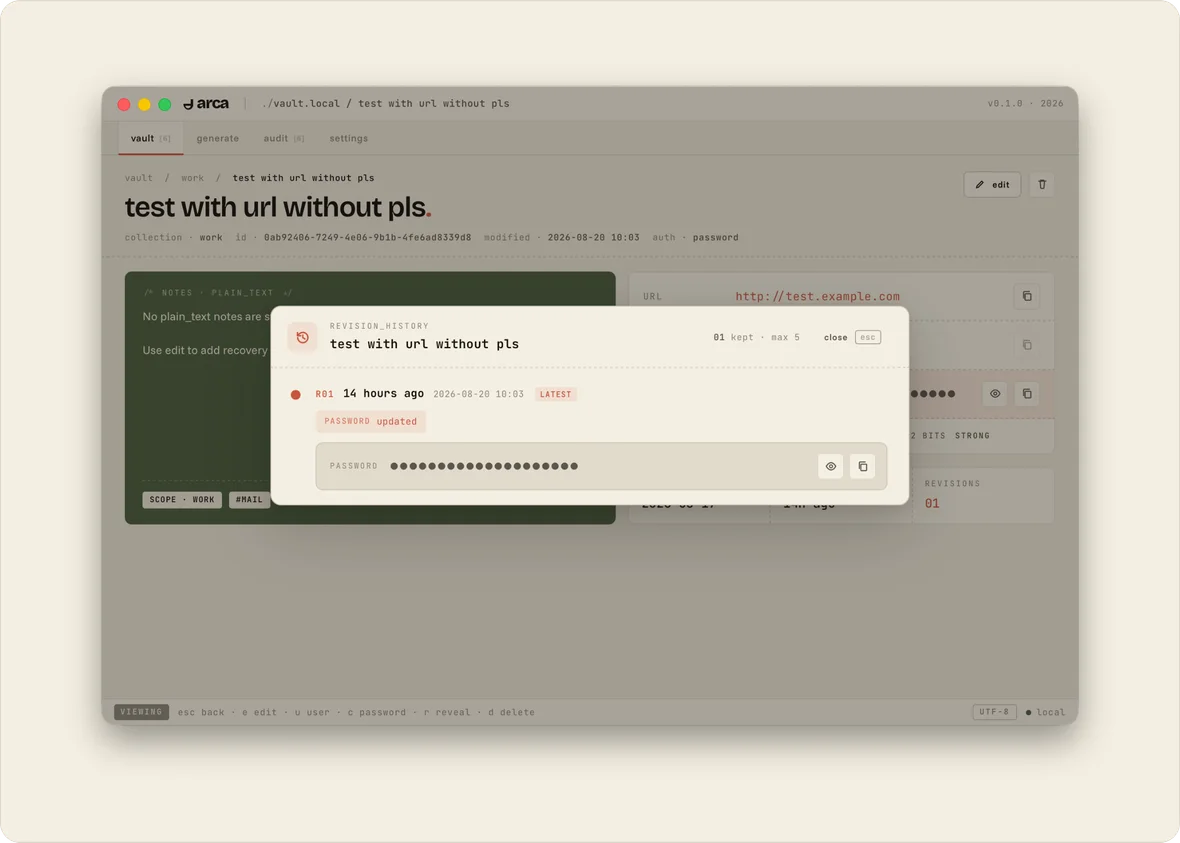
Revision history

Recent versions of each entry are kept, encrypted, in case you need an old password back.

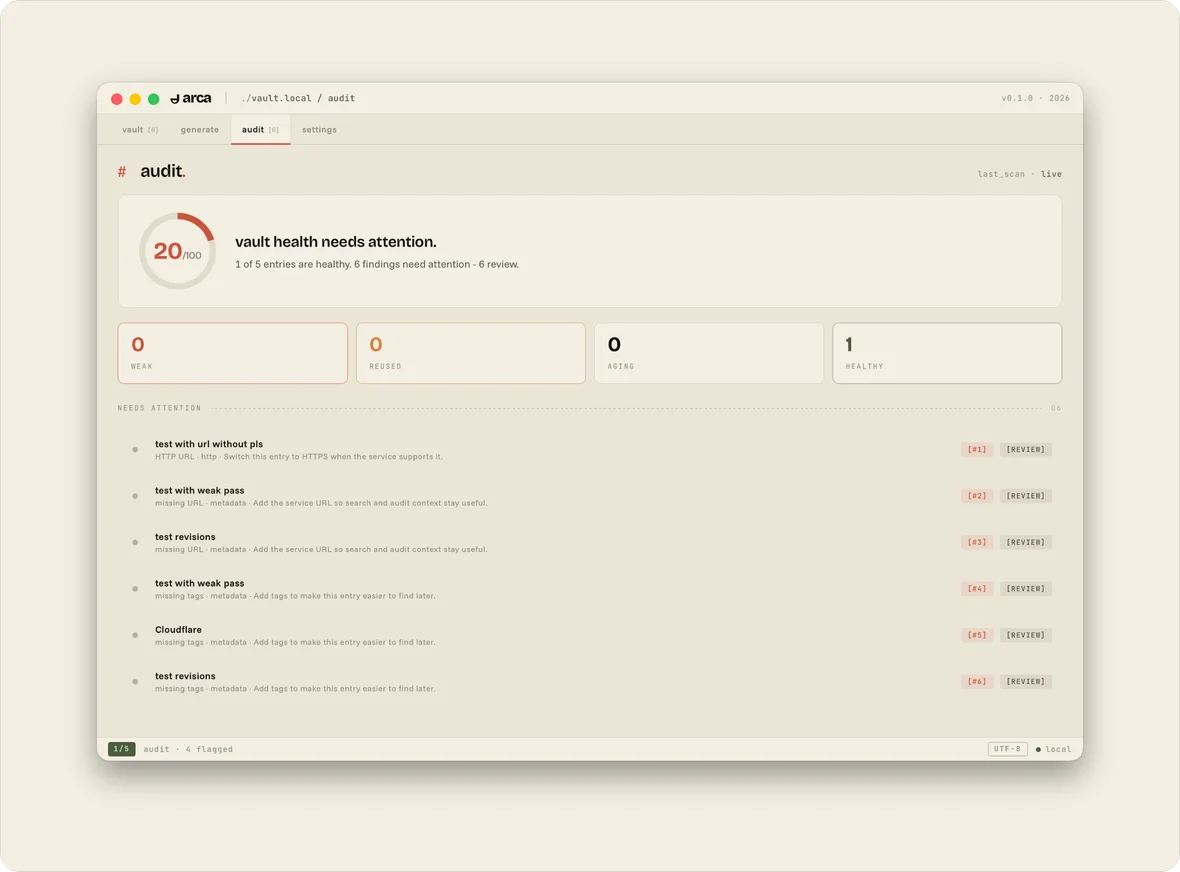
Vault audit

Weak and reused credentials are flagged so you know exactly what to fix first.

Security model

Open code. Standard crypto. No secrets about how it works.

Every line of Arca is public. Its cryptography lives in one small Rust crate, vault-core, so it’s easy to review.

Vault format
KeePass KDBX 4An open, well-documented format. Your vault works with other KDBX apps too.
Key derivation
Argon2id128 MiB of memory, 3 iterations, parallelism 4 - expensive to brute-force by design.
Encryption
ChaCha20Used for the vault file and again for each protected field.
Memory
Zeroized on lockDecrypted secrets live in a Rust core and are wiped as soon as the vault locks.
Network
NoneNo sync, no accounts, no analytics. Arca never needs to phone home.
v0.1
Arca is new and hasn’t had an independent security audit yet - one is planned soon. Until then, read the code and the threat model before you trust it with real secrets, and please report issues via SECURITY.md.
Why use a password manager

One door,
one key.

If one site gets breached and you reused that password, every other account that shares it is already open. The fix is simple but tedious: a different password for every account.

A password manager takes care of the tedious part. That’s why we built Arca, and why the desktop app is free.

Use Arca, or use another one you trust. Just use one.

81%
of hacking-related breaches used stolen or weak passwords.- Verizon Data Breach Investigations Report, 2017
Platforms

Free on the desktop. Soon in your pocket.

The desktop app is open source and will stay free. Arca for iPhone is a paid app, which helps fund development across every platform.

iOS · iPhoneComing soon

Arca for iPhone

9,99 zł/ month
iPhone screenshot coming soon

In progress

Android

Being built now. Leave your email and we’ll let you know when it’s ready.

Planned

Windows & Linux

Official builds are on the roadmap. Until then, you can build from source.

Get involved

Built in the open. Pull up a chair.

Arca is a small project with a lot of room to grow. If you have the experience and want to help, we'd love to hear from you.

Open source

Desktop core

The desktop app and the Rust vault core are MIT licensed and open to contributions: bug fixes, features, platform support, reviews and docs. Windows and Linux builds are a great place to start.

Open for collaboration

Mobile apps

We're open to working with experienced iOS and Android developers on Arca Mobile. If mobile security and local-first apps are your thing, get in touch.

FAQ

Good questions.

Is Arca really free?
Yes. Arca for Mac is free and open source under the MIT license, with no trials, no ads and no premium tier. The iPhone app will be paid, and that’s what funds development.
Where is my data stored?
In a single encrypted vault file on your computer, and nowhere else. Arca has no servers, so we never see your vault, your master password or your usage.
How do I back up my vault or move it to another device?
It’s a normal file, so copy it wherever you want: an external drive, an encrypted folder, another Mac. Arca doesn’t sync in this release, so keeping backups is up to you.
What happens if I forget my master password?
You won’t be able to get back in. Arca doesn’t keep a copy of your password and there’s no backdoor, which is the whole point. Choose a password you’ll remember, and consider writing it down somewhere safe.
Can I open my vault in other apps?
Yes. Arca stores vaults in the standard KeePass KDBX 4 format, so they aren’t tied to Arca.
Has Arca been audited?
Not yet, but one is planned soon. Arca is at v0.1 and hasn’t had an independent audit so far. The code is public on GitHub, and we welcome reviews and responsible disclosure.